Bennett M. Anderson
Biomedical engineering · Iowa State University
Bennett M. Anderson

I'm a biomedical engineering student working to improve my skills, computational and otherwise, to become the best engineer/scientist I can in the pursuit of the betterment of global health.

Selected work

Projects

Video Production Workflow

ongoingvideo demo

Two Linux desktop apps that take a video from "it's on my phone" to "it's in the recording". Built because the individual pieces all exist and none of them fit together. All I have to do is choose what clips I want moved, put them in order of when and how I want to talk about them, and begin presenting in OBS to be later trimmed down and edited in Kdenlive (I use EndeavorOS) iPhone Import browses the camera roll over USB and copies what I select into a project folder. That sounds trivial and isn't: on this machine ifuse silently returns corrupt data for large files. The same 183 MB clip read three times gave three different checksums, at identical file size, with damage starting on a 64 KiB boundary and no USB error logged anywhere. Roughly a third of 4 MB chunks come back wrong on any given read — which is where a long-standing "some of my imports are broken" problem turned out to come from. The fix is a verified copy: read each chunk, drop it from the page cache, read it again, and only accept it when two reads agree. Corruption is random per read, so agreement is strong evidence of correctness — and copies built this way are reproducible where plain copies never are. Every file is then decoded end to end before it counts as imported, and anything that fails is deleted and reported rather than left on disk looking fine. Video Deck Studio is the other half. Order the clips by dragging; mark in and out points that apply instantly, because they're stored as marks rather than re-encoded, so trimming ruthlessly costs nothing; hide what you've skipped; and present the result into OBS. Its most useful feature is pairs: two clips joined into one item, composited into a single frame — a screen recording of a demo beside the phone video of the same thing. Pairs open a two-track timeline where you drag one clip against the other to line them up and drag either end of either clip to trim it. Both sides are scaled to fit their half of a 1920×1080 frame and padded, so neither can ever crop the other, and the layout picks itself: two portrait clips sit side by side, two landscape ones stack. The preview is a real render. The obvious approach — one live filter graph in the player — was built first and then measured against an actual render, and the two disagreed: mpv drives its filter graph from its own playback position, so trims there don't mean what they mean to ffmpeg. Trims would have previewed as one thing and exported as another. Instead the editor renders a small 360p window around the playhead through the identical code path as the final export, and the two were then verified frame by frame. Presenting plays a full-resolution render, never the proxy. Working with Wayland rather than against it. Window embedding doesn't exist, and OBS binds its capture to a specific window — so the player is one long-lived window that OBS is pointed at once, and everything else is driven over its JSON IPC socket. Built with Python and PyQt6, driving mpv and ffmpeg, on top of libimobiledevice for the phone. ~(Written to make my own videos; still growing as I hit new limitations.)

completion80%

Centrifuge Repair

completevideo demo

A dead centrifuge, fully dissasembled on a folding table and assessed for issues. After a few youtube videos, multimeter testing, capacitor replacements, soldering, and some blind luck, it's back to life! This great video was a lot of help: https://youtu.be/f-lBA9Kq3T4?si=uDx0hGnT-V_UUTgt ~(Thumbnail illustration by DataBase Center for Life Science (DBCLS) — CC BY 4.0, creativecommons.org/licenses/by/4.0)

completion100%

Lit Explorer

complete

A local-first desktop app for reading into gene therapy and drug development, with an on-device AI assistant. Built for a reader who is technically strong but newer to biology — me. The problem it solves. Reading unfamiliar literature is a vocabulary problem before it is a comprehension problem. You hit a term, you leave the paper to look it up, you lose the thread, and twenty minutes later you are six tabs deep in something unrelated. Lit Explorer keeps everything in one window so the paper never leaves the screen. What's in it - New Releases — a live feed from bioRxiv, medRxiv and Europe PMC filtered to my topics, so there's always something current to read. - Explore — filter a hand-curated corpus of 39 resources by tier and tag, or search all of Europe PMC live. - Reader — open-access full text where it exists, metadata where it doesn't, plus imported PDFs. Highlight any term and press Ctrl+L to have it explained, or Ctrl+H for its history — how the concept developed, not just what it means. Answers are grounded in the article you're actually reading. - Library — foldered bookmarks, a persistent glossary built from every term you've looked up (exportable as Markdown), and recently-read tracking. - Curriculum — an interactive gene-therapy roadmap whose milestones link straight into the corpus, so "learn this field" becomes an ordered path rather than a pile of papers. - Related work — references, citing articles and similar papers in the reader's side panel. - Semantic recommendations — local embeddings rank the corpus against what I've bookmarked and looked up, falling back to tag-matching when offline. - System-wide lookup — highlight text anywhere on the desktop and a global hotkey sends it to the app. Focus Reader, the part I'm most pleased with, is a different way of reading entirely. The paper is shown one word at a time in a fixed position so your eyes never move — RSVP — narrated by a local voice, with the word display driven by the audio's own per-word timings, so the flashing word is the word being spoken. The figure panel swaps to whichever figure or table the current sentence just mentioned. A rolling few seconds of microphone is always being transcribed, so you can say "stop", "faster", "go back", "next figure" without touching anything; say the activation phrase and you can ask a question out loud, get an answer grounded in the sentence you were on, read aloud, and then reading resumes where it left off. Everything runs on the machine. Ollama serves the chat model and the embedding model; piper and faster-whisper handle speech on the CPU. No API keys, no accounts, and nothing about what I read leaves the laptop — which matters more than it sounds when the reading list itself is the sensitive part. Built with Electron and React on electron-vite, with a main process split into modules for the model client, the live sources, PDF handling, recommendations, the voice pipeline and a plain JSON store — no database, because the data is small and a file I can read is worth more than a schema. - demo video coming soon

completion80%
What I can do

Skills

MATLABSolidWorksPythonGit & GitHubTypeScriptReact / Next.jsTailwind CSSNode.jsLinuxElectronPyQt6ViteRedissystemdVercelFramer MotionWaylandSystem DesignSecurity DesignREST / API Routes
Bacterial experimental techniquesCloning & TransformationPCR & Gel ElectrophoresisSnapGeneBioinformatics BasicsPRISMPyMOLCRISPR Gene Editing ConceptsgRNA DesignSequence Alignment
MATLABPRISMExperimental DesignLaTeXExcel / Microsoft Office SuiteVisualizationStatisticsPython
Professional CommunicationTechnical PresentationTeam Collaboration & ManagementCustomer Service & Relations
OllamaLocal LLM DeploymentPrompt EngineeringPrompt-Injection HardeningEmbeddings & Semantic SearchLocal Speech (TTS / STT)
FFmpegOBS StudioKdenlivempvVideo Processing
Raspberry PiElectronicsSolderingDiagnostic TroubleshootingLab Equipment Repair3D Modeling
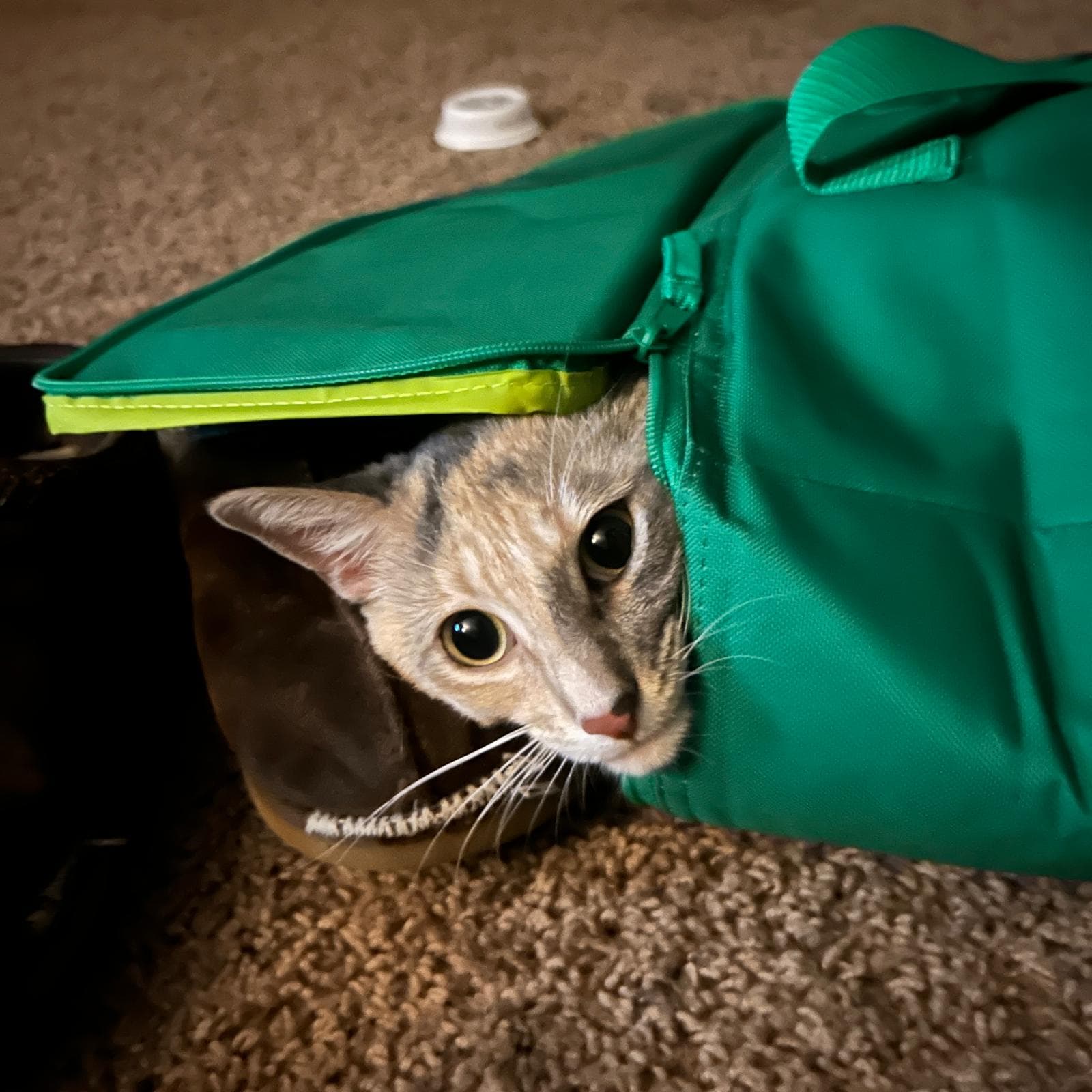
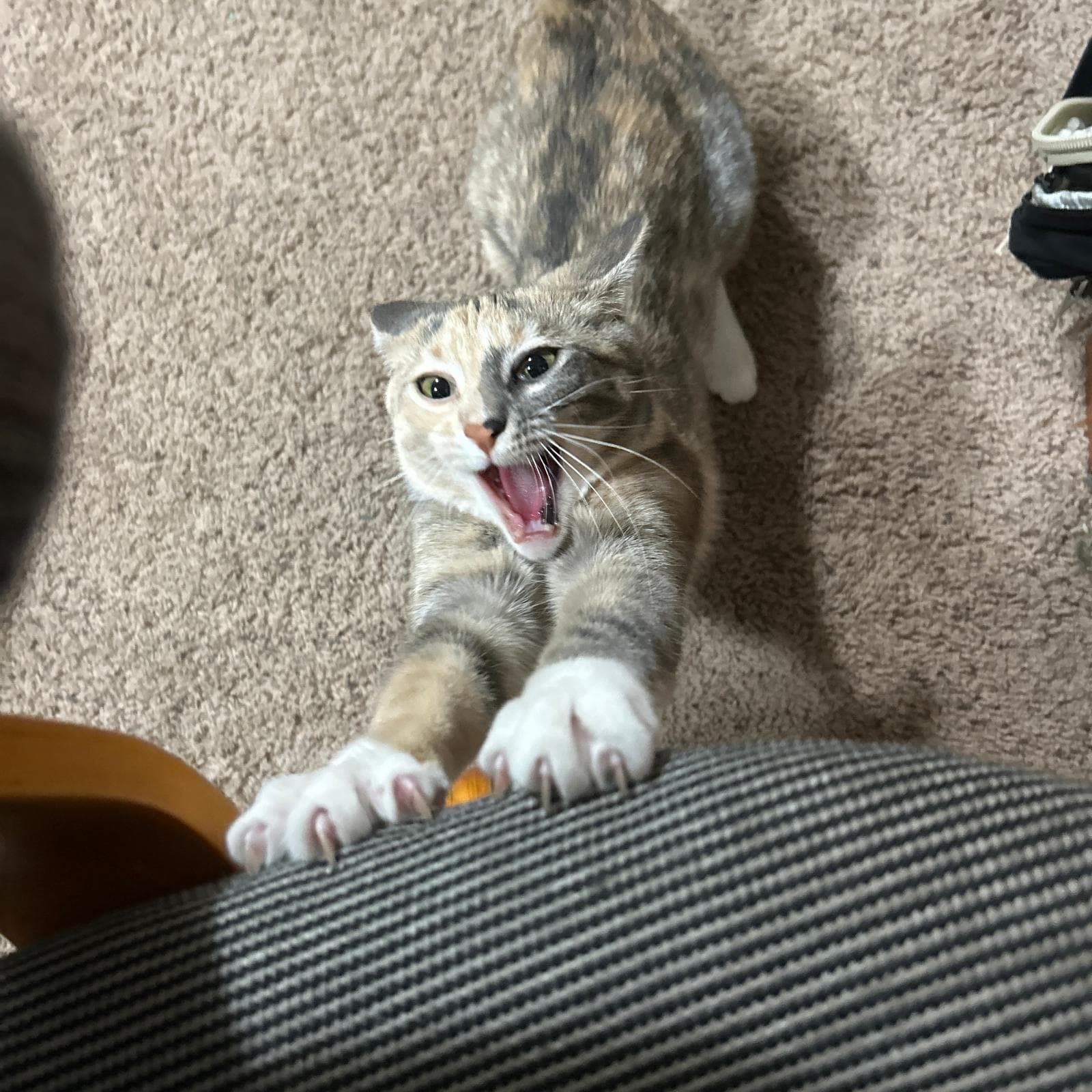
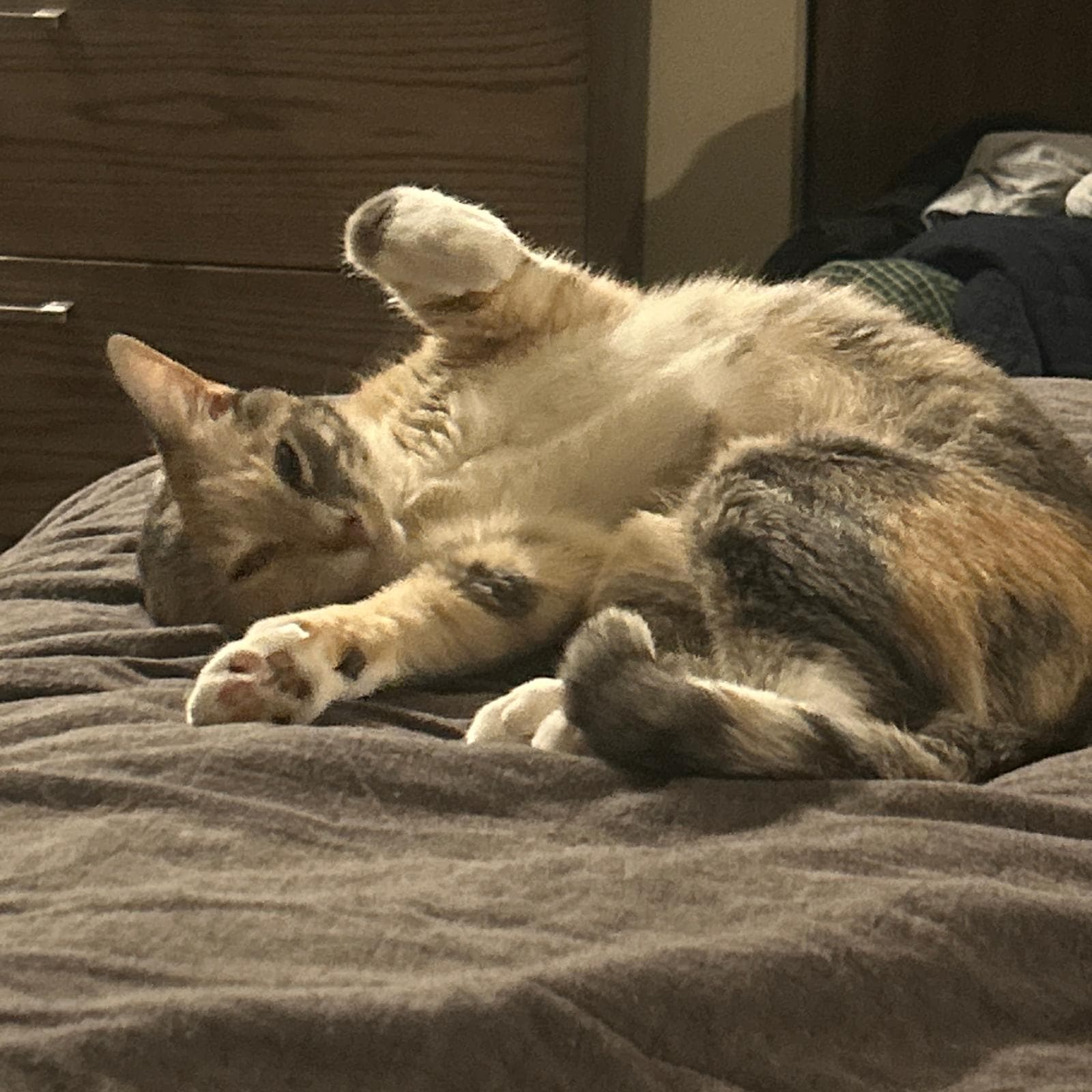
Lab assistant · quality assurance (naps on keyboards) · morale

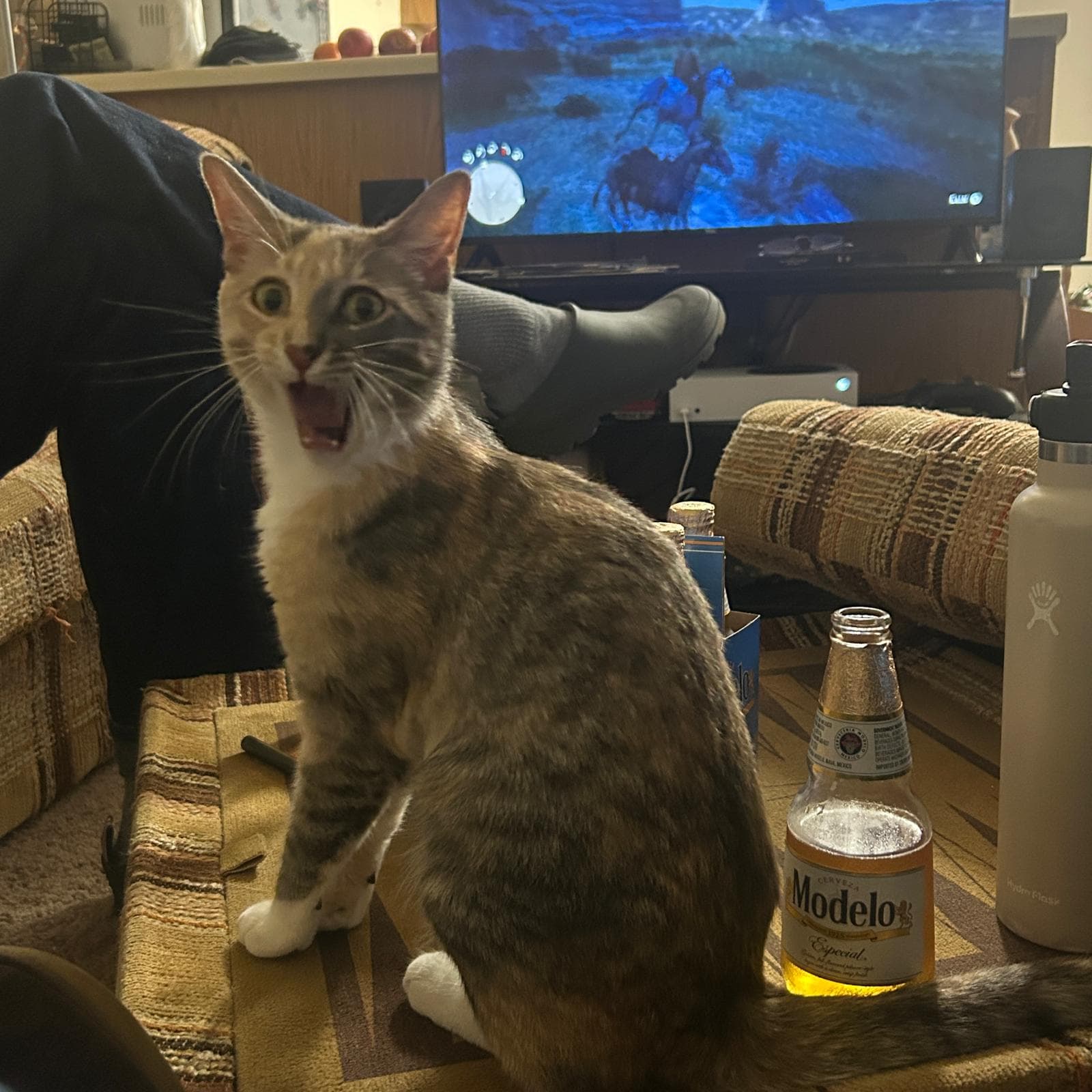
Penrose

She answers to her name. Type it anywhere.

Penrose, observation 1
obs_001.jpeg
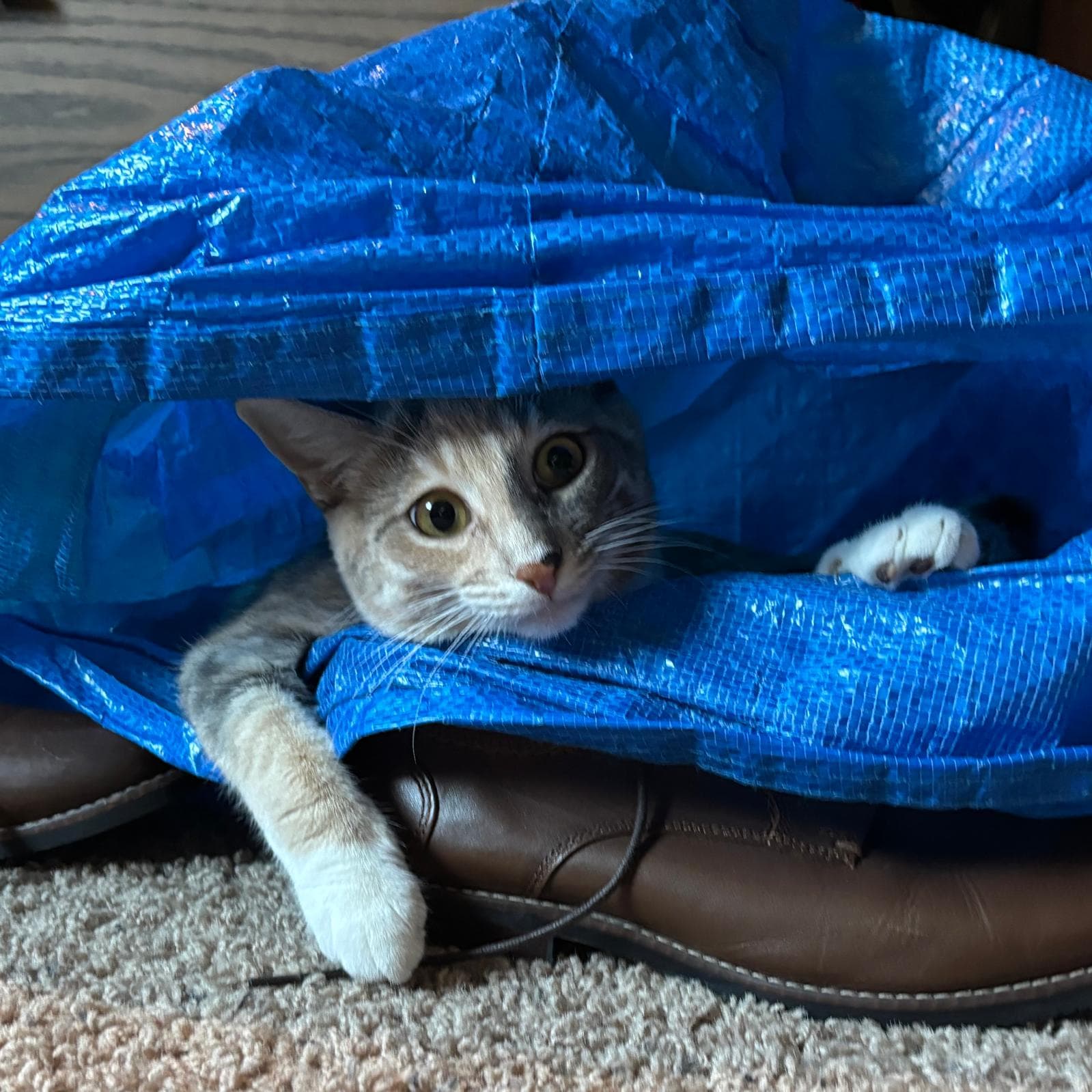
Penrose, observation 2
obs_002.jpeg
Penrose, observation 3
obs_003.jpeg
Penrose, observation 4
obs_004.jpeg
Penrose, observation 5
obs_005.jpeg
Penrose, observation 6
obs_006.jpeg